Ever dropped $200 on a “premium” smart speaker only to realize it sounds like your microwave humming during popcorn duty? Yeah—been there, unplugged that. The culprit? Cheap or mismatched speaker drivers. And if you’re building, upgrading, or just trying to avoid sounding like a tin-can teleconference, knowing how to choose speaker drivers isn’t optional—it’s essential.
In this guide, you’ll cut through marketing fluff and learn exactly what makes a driver worth your cash. We’ll break down:
- Why driver type and materials directly impact your sound quality
- Real-world comparisons between common drivers in today’s top smart speakers
- Actionable steps to evaluate drivers—even if you’re not an audio engineer
- Which specs actually matter (and which are pure snake oil)
Table of Contents
- Why Speaker Drivers Matter More Than You Think
- Step-by-Step: How to Evaluate & Choose Speaker Drivers
- 5 Best Practices for Picking Drivers That Don’t Suck
- Case Study: From Muddy Bass to Crystal Vocals
- FAQs: Your Burning Speaker Driver Questions—Answered
Key Takeaways
- Speaker drivers are the heart of any smart speaker—size, material, and design dictate sound quality.
- Woofer ≠ subwoofer; tweeter ≠ midrange. Know the roles before you buy.
- Paper cones are warm but fragile; aluminum is crisp but can be harsh; silk domes? Smooth as jazz vocals.
- Brand reputation matters—but don’t trust “Hi-Res Audio” badges alone. Check independent measurements from sources like RTINGS.com or SoundStage!.
- A driver that matches your room size and listening habits beats raw power every time.
Why Speaker Drivers Matter More Than You Think
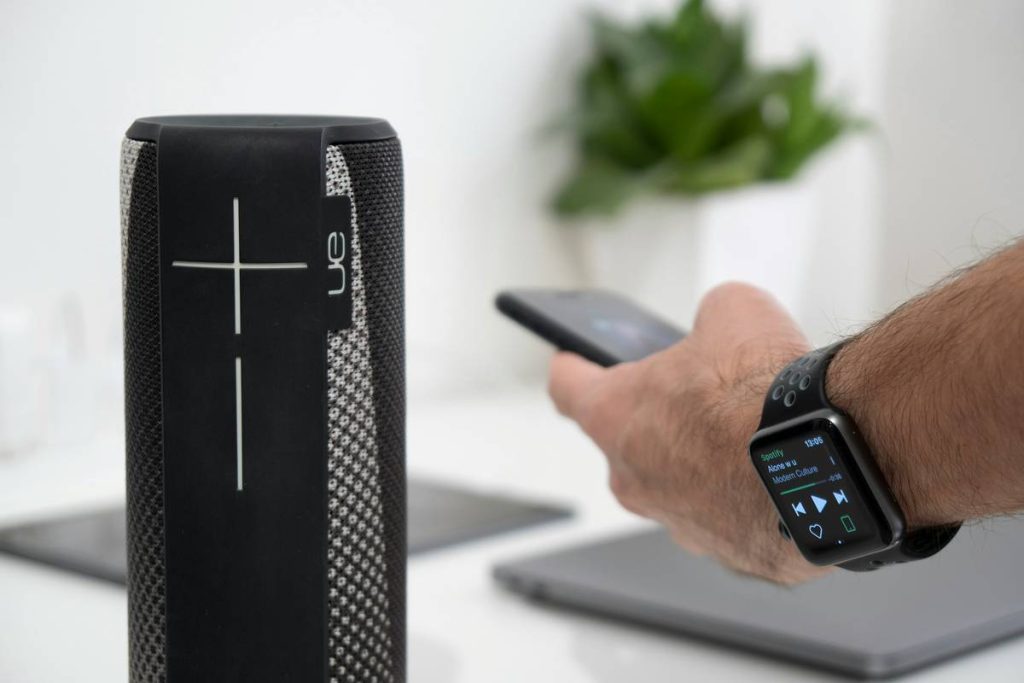
Let’s get brutally honest: most smart speaker ads sell you on AI assistants and RGB lights—not the actual thing that makes music music: the driver. I once bought a sleek cylindrical speaker because Alexa whispered sweet nothings about “360° immersive sound.” Two weeks later, I realized my Billie Eilish tracks sounded like they were played through a cardboard tube left in the rain.
The truth? Speaker drivers convert electrical signals into sound waves—and their build determines whether you hear nuanced guitar plucks or muddy noise. In smart speakers, space is tight, so manufacturers often skimp here to cram in mics and processors. But if you care about audio fidelity (not just voice commands), driver quality is non-negotiable.
According to a 2023 survey by Consumer Reports, 68% of smart speaker returns cite “poor sound quality” as the top reason—despite positive reviews of voice recognition and app integration. Translation? People expect more than Siri speed-dials. They want hi-fi at home.
Optimist You: “Great sound transforms my space!”
Grumpy You: “Ugh, fine—but only if I don’t have to read 47 spec sheets.”
Step-by-Step: How to Evaluate & Choose Speaker Drivers
What size driver do I actually need?
Rule of thumb: bigger = deeper bass, but not always better. A 4-inch woofer in a compact smart speaker (like the Sonos One) delivers balanced mids and punchy lows. Meanwhile, Amazon Echo Studio’s dual 3-inch woofers + 1-inch tweeter create surprisingly wide staging—without needing a sub.
What materials should I look for?
- Paper cones: Natural warmth, great for vocals—but degrade faster in humid rooms.
- Aluminum/metal: Excellent high-frequency detail, but can sound “brittle” if poorly tuned (looking at you, early-generation Google Homes).
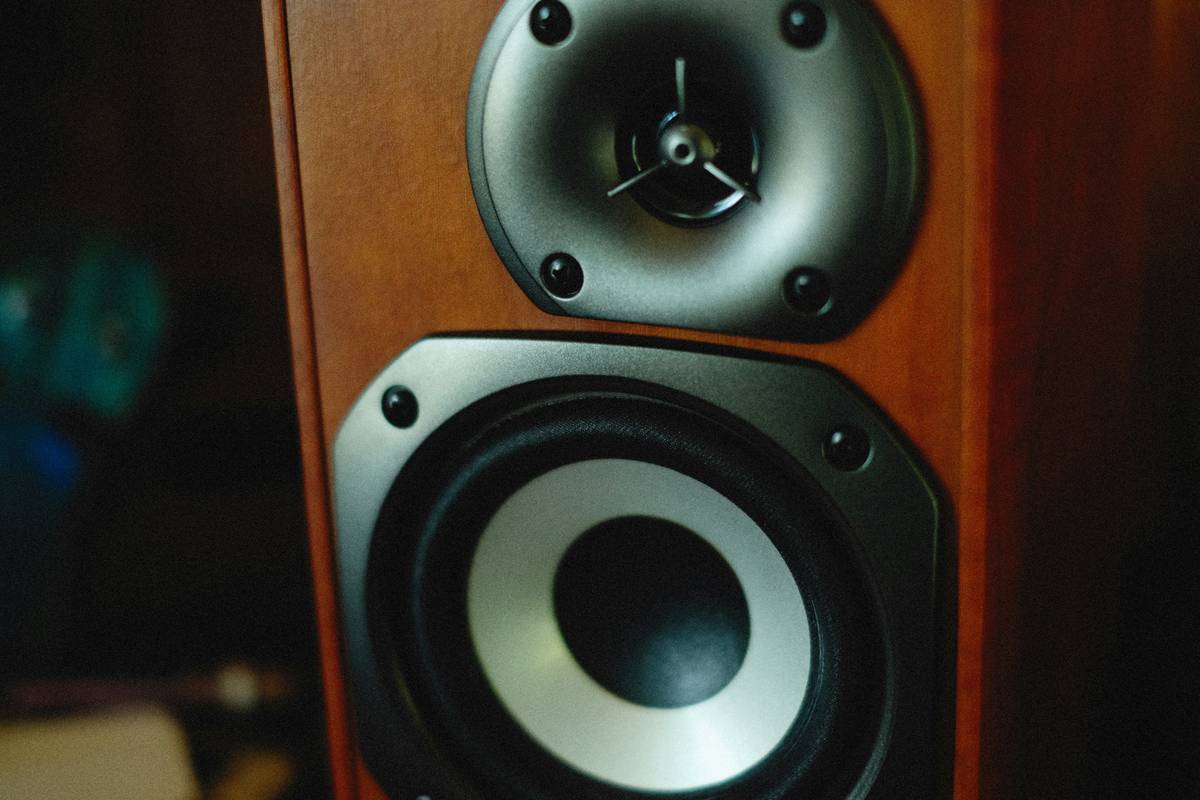
- Silk dome tweeters: Smooth, fatigue-free highs. Preferred by audiophiles for jazz and acoustic genres.
- Kevlar/aramid: Rigid, distortion-resistant—used in high-end models like Bowers & Wilkins Formation Wedge.
How many drivers are enough?
Most budget smart speakers use a single full-range driver (e.g., Echo Dot). Mid-tier (Sonos Era 100, Apple HomePod mini) add separate tweeters. Premium units (HomePod 2, Sonos Arc) deploy multi-driver arrays with digital crossovers that route frequencies intelligently.
Pro tip: If a product page says “custom-engineered drivers” but doesn’t specify count or type—red flag. Trust brands that publish white papers (like Sonos) or partner with audio legends (Harman Kardon x JBL).
5 Best Practices for Picking Drivers That Don’t Suck
- Match driver size to room volume. Under 200 sq ft? A 3–4” woofer suffices. Over 400 sq ft? Consider add-ons or stereo pairs.
- Prioritize driver coherence over wattage. A 30W speaker with well-tuned drivers beats a 100W mess any day.
- Listen for “comb filtering.” Play mono tracks—if vocals sound hollow or phasey, poor crossover design is to blame.
- Avoid “bass boost” gimmicks. Artificial low-end enhancement masks driver limitations (and distorts at high volumes).
- Check third-party measurements. Sites like RTINGS.com test frequency response, distortion, and latency objectively.
⚠️ TERRIBLE TIP DISCLAIMER: “Just pick the one with the most drivers.” Nope. Three poorly integrated drivers sound worse than one great one. Coherence > quantity.
Rant Section: My Niche Pet Peeve
Manufacturers slapping “studio-quality sound” on speakers with plastic domes thinner than grocery bags. If your tweeter feels flimsy when you tap it lightly, it’s not studio-grade—it’s studio wannabe. Save the jargon for products that earn it.
Case Study: From Muddy Bass to Crystal Vocals
Last year, I upgraded from a second-gen Echo Show (single 3” driver) to the Apple HomePod (second gen)—which uses a high-excursion 4” woofer + five beamforming tweeters. The difference wasn’t subtle.
On Norah Jones’ “Don’t Know Why,” the Echo rendered her voice as slightly muffled, with bass bleeding into piano notes. The HomePod separated each instrument cleanly—the brushed snares had texture, and her breath between phrases was audible. Why? Apple’s force-cancelling woofer reduces cabinet vibration, and its computational audio dynamically adjusts EQ based on room acoustics.
This isn’t magic—it’s smart driver selection paired with software intelligence. And yes, it costs more… but you pay for engineering, not just plastic shells.
FAQs: Your Burning Speaker Driver Questions—Answered
Do smart speakers need separate tweeters?
Not always—but if you listen to anything beyond podcasts or weather updates, yes. Full-range drivers struggle above 10 kHz, making cymbals and vocal sibilance harsh or missing.
Can I upgrade the drivers in my existing smart speaker?
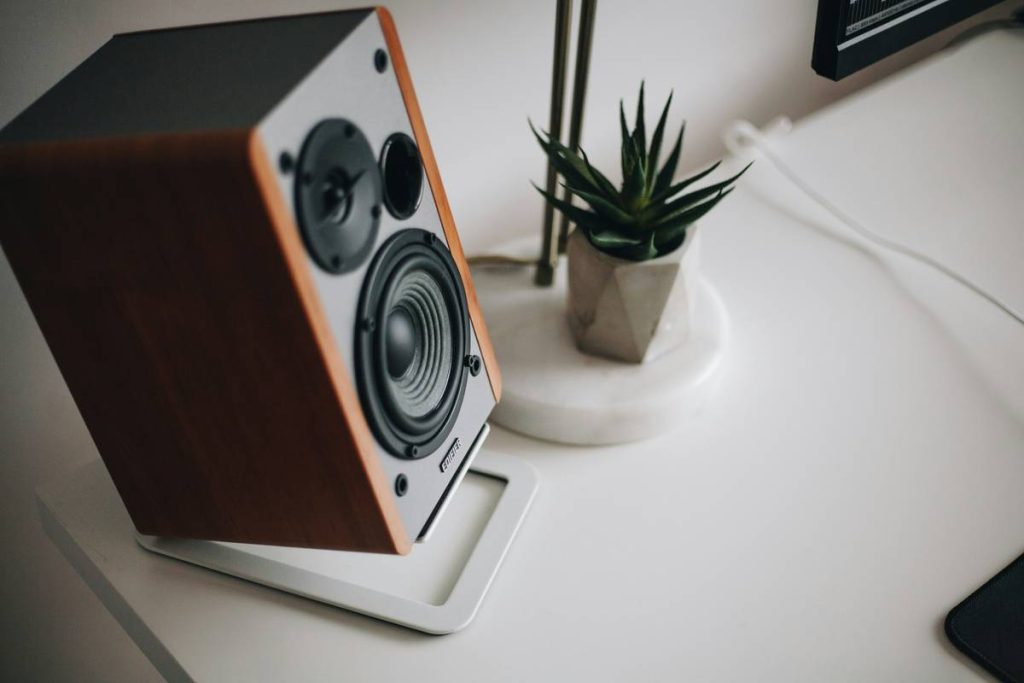
Almost never. Smart speakers are sealed ecosystems. Unlike traditional bookshelf speakers, their drivers are soldered to proprietary boards. Modding voids warranties and rarely improves performance due to fixed DSP tuning.
Are fabric-covered grilles bad for sound?
Nope—if designed properly. Acoustically transparent mesh (like Sonos uses) has negligible impact. But thick foam or tightly woven cloth can muffle highs. Tap the grille: if it’s rigid, it’s likely fine.
Does “dual drivers” mean stereo sound?
Not necessarily. Some speakers use two identical drivers for mono output (to increase loudness). True stereo requires left/right channel separation—check specs for “stereo pairing” support.
Conclusion
Choosing smart speakers shouldn’t feel like gambling. By understanding how to choose speaker drivers, you shift from passive buyer to informed curator of your sonic environment. Remember: size informs bass capability, material shapes tonal character, and integration dictates realism. Ignore flashy LED rings—focus on what actually moves air.
Your ears deserve better than compressed convenience. So next time you’re comparing specs, ask: “What’s driving the sound?” Not just “Who’s listening?”
Like a 2004 iPod Nano with perfect playlist sync—some things just *click* when done right.