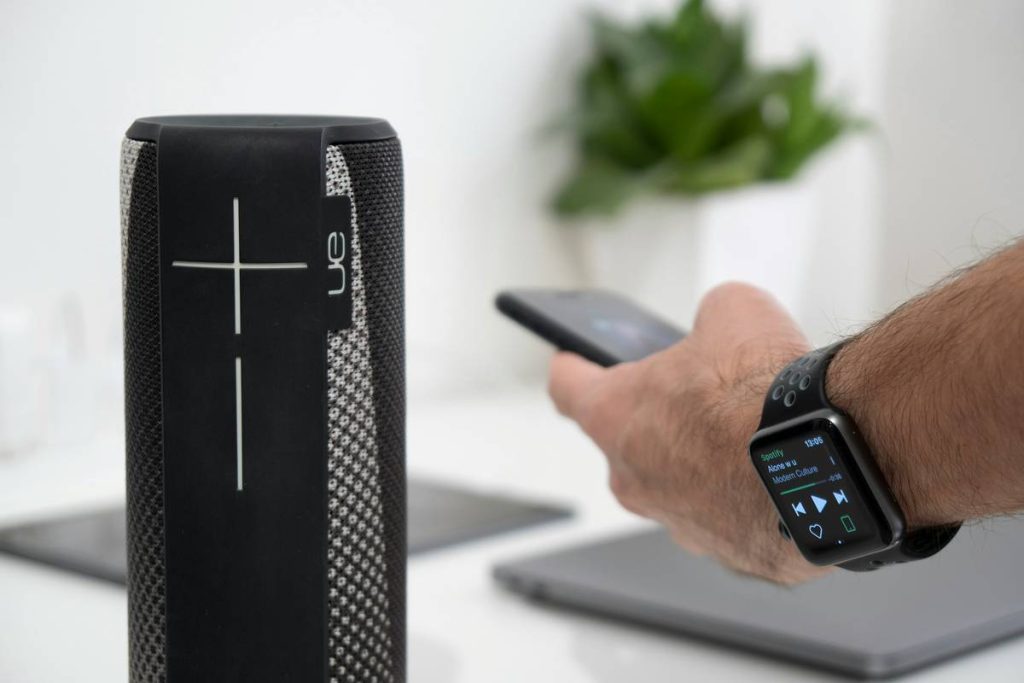
You bought a “smart” speaker. Plugged it in. Said, “Hey… thing?”—and got silence, confusion, or worse: an accidental pizza order. You’re not alone. Most smart speakers flood beginners with jargon, app chaos, and voice commands that feel like shouting into a void. The fix? Start simple. This guide cuts through the noise with real-world picks, setup hacks, and one industry trick even seasoned users miss.
Why Most Smart Speakers Fail New Users
Manufacturers assume you already live in a smart home ecosystem. But if your “smart” setup begins and ends with a Wi-Fi router, complex voice assistants—especially those requiring multi-step routines or proprietary hubs—will frustrate you fast. And latency? A 3-second delay between “play jazz” and actual music kills trust. Worse, privacy settings are buried eight menus deep.
Beginners don’t need AI overlords. They need a speaker that just works—out of the box—with minimal setup, clear feedback, and zero guesswork.
Smart Home Speakers Beginner Friendly: Your Step-by-Step Setup Plan
Pick one. Plug it in. Speak. Done. That’s the dream. Here’s how to make it real.
Step 1: Match Speaker to Ecosystem (Not Hype)
If you use Android phones and Gmail, Google Nest wins. iPhone loyalist? Apple HomePod Mini syncs invisibly. Alexa works everywhere—but leans heavily on Amazon services. Don’t chase specs; chase compatibility.
Step 2: Prioritize Onboarding Clarity Over Features
A speaker with 500 skills means nothing if setup takes 20 minutes. Look for brands with guided mobile walkthroughs, voice prompts during pairing, and automatic firmware updates. Simplicity > power—at first.
Step 3: Test Real Commands Day One
Don’t just play music. Ask: “What’s the weather tomorrow?” “Set a timer for 5 minutes.” “Turn off the lights”—even if you don’t have smart lights yet. See how it handles ambiguity. If it stumbles, it’s not beginner-ready.

| Speaker Model | Setup Time | Voice Clarity | Best For | Price Range |
|---|---|---|---|---|
| Amazon Echo Dot (5th Gen) | < 5 min | Clear, but robotic | Amazon Prime users, budget buyers | $30–$50 |
| Google Nest Mini | < 4 min | Natural, contextual | Android/Gmail households | $30–$40 |
| Apple HomePod Mini | < 3 min | Fluid, adaptive | iOS/Mac users only | $99 |
| Meta Portal+ (with smart display) | ~7 min | Decent, but inconsistent | Video callers who want voice control | $130–$180 |

The Industry Secret: Voice Training is Optional—and Often Useless
Here’s what no spec sheet tells you: most “voice recognition” for personalization doesn’t matter early on. Companies push you to train your voice profile so the speaker responds only to you. Sounds cool—until you realize guests can’t ask for the weather, or your partner gets ignored. For beginners, disable voice matching entirely. Let anyone in the house use it. Worry about personalization after you’ve used it daily for a month. Trust builds through reliability—not exclusivity.
FAQ
Which smart speaker is easiest for total beginners?
Google Nest Mini or Amazon Echo Dot. Both offer sub-5-minute setups, intuitive apps, and forgiving voice recognition. Avoid premium models with complex mesh audio setups until you’re comfortable.
Do I need Wi-Fi 6 for a smart speaker?
No. Standard Wi-Fi 5 (802.11ac) is more than enough. Even older routers handle single-speaker traffic fine. Save Wi-Fi 6 for when you add 10+ smart devices.
Can I use a smart speaker without a smartphone?
Technically yes—but painfully. Initial setup nearly always requires a companion app. Borrow a friend’s phone for 10 minutes if needed. After that, voice takes over.