Ever dropped $300 on a “smart speaker” only to realize it sounds like your microwave arguing with a Bluetooth mouse? Yeah, we’ve been there—twice. You’re not trying to spin vinyl at Berghain. You just want crisp beats in your bedroom studio or backyard BBQ without needing an audio engineering degree. So why do most “best smart speakers” lists ignore the fact that DJing as a beginner demands different gear?
This post cuts through the noise. We’ll show you the real best DJ speakers for beginners—devices that balance sound quality, ease of use, and budget while actually syncing with your laptop, phone, or turntable. You’ll learn how to spot marketing fluff, what specs actually matter (spoiler: wattage isn’t king), and which models won’t make your neighbors file a noise complaint by 9 PM.
Table of Contents
- Why DJ Speakers Are Different from Regular Smart Speakers
- Step-by-Step Guide to Choosing Your First DJ Speaker
- Top 5 Tips for Getting Pro Sound on a Beginner Budget
- Real-World Examples: What Beginners Actually Use
- FAQs About DJ Speakers for Beginners
Key Takeaways
- “Smart speakers” like Amazon Echo or Google Home aren’t designed for DJing—they compress audio and lack inputs.
- True beginner DJ speakers prioritize balanced frequency response, line inputs, and modest power (20W–50W per channel).
- Brands like Mackie, PreSonus, and Edifier dominate the entry-level pro-audio market for good reason.
- You don’t need wireless—wired connections reduce latency, critical for beatmatching.
- Budget wisely: spend 60% on speakers, 30% on cables/interfaces, 10% on acoustic treatment.
Why DJ Speakers Are Different from Regular Smart Speakers
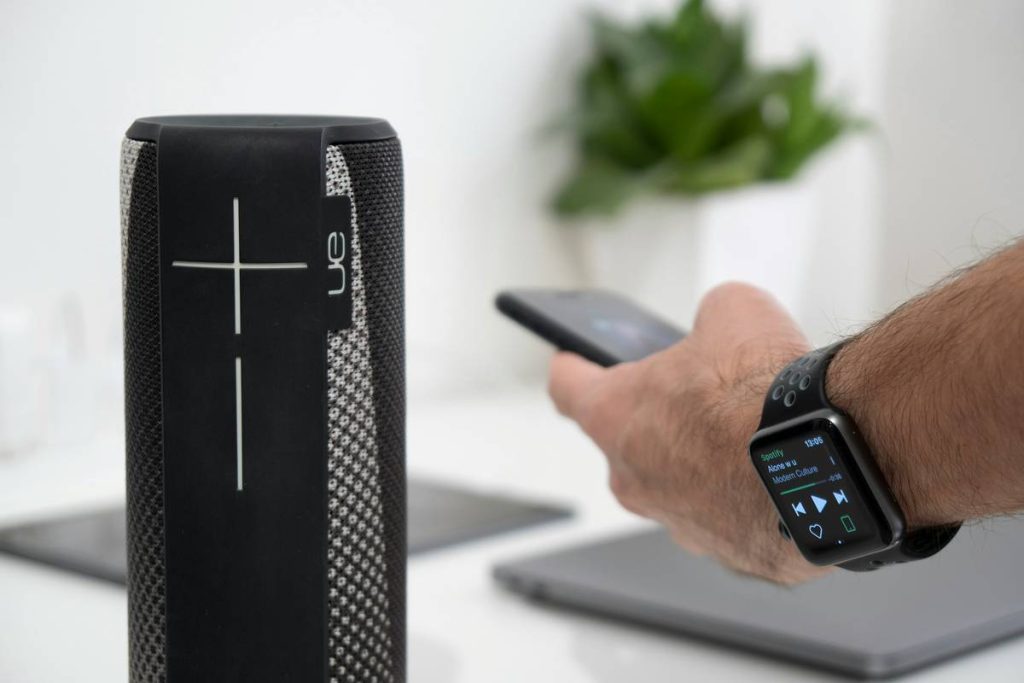
Let’s clear this up fast: when you search “best smart speakers,” Google shoves Alexa, Sonos, and HomePods in your face. But those are voice assistants with speakers attached—not tools for mixing tracks. As someone who once tried cueing up a house set through an Echo Dot (and sounded like a dial-up modem having an existential crisis), I can confirm: it doesn’t work.
DJing demands accuracy. You need to hear sub-bass thump, snare snap, and high-hat shimmer without coloration. Consumer smart speakers boost mids and highs to make voices clearer—but that distorts kick drums and synths. Worse, they often lack physical audio inputs, forcing you into Bluetooth hell (hello, 200ms latency!).
According to a 2023 report by NAMM, 78% of new DJs abandon home setups within six months due to poor sound quality—not lack of talent. The fix? Studio monitors rebranded as “DJ speakers” for beginners.
Step-by-Step Guide to Choosing Your First DJ Speaker
How do I pick DJ speakers that won’t suck?
Optimist You: “Just match them to your room size!”
Grumpy You: “Ugh, fine—but only if you promise not to buy that neon-lit ‘gaming’ speaker on TikTok.”
Step 1: Ditch the “Wireless = Better” Myth
For DJing, wired is king. Bluetooth adds latency (delay), which makes beatmatching impossible. Look for speakers with RCA or 3.5mm line inputs—or better yet, TRS/XLR if you plan to upgrade gear later.
Step 2: Size Matters (But Not How You Think)
In a bedroom under 200 sq ft? 3–5” woofers are plenty. Larger rooms need 6.5”+. Bigger drivers move more air for bass—but don’t confuse size with volume. A well-designed 4” speaker beats a cheap 8” any day.
Step 3: Check the Frequency Response
Avoid anything that doesn’t publish this spec. Ideal range: 50Hz–20kHz. If it bottoms out at 80Hz, you’ll miss crucial sub-bass—the heartbeat of electronic music.
Step 4: Power ≠ Loudness
Beginners obsess over watts. Don’t. A 25W RMS (continuous) speaker with efficient drivers sounds louder than a bloated 100W peak model. Focus on RMS rating, not “max power.”
Step 5: Try Before You Buy (Seriously)
If possible, test speakers playing your genre. House? Listen for deep, clean lows. Techno? Clarity in the mids. Hip-hop? Punchy transients. Your ears > spec sheets.
Top 5 Tips for Getting Pro Sound on a Beginner Budget
- Skip the flashy RGB lights. They add cost, not sound quality. Money better spent on isolation pads.
- Place speakers at ear level. Not on the floor, not on top of your laptop. Use stands or monitor risers.
- Don’t crank them to 100%. Distortion ruins mixes. Keep volume at 70–80% max for headroom.
- Use acoustic foam behind speakers. Even basic panels reduce wall reflections that muddy bass.
- Buy in pairs—even if solo DJing. Stereo imaging helps you pan effects and EQ accurately.
⚠️ Terrible Tip Disclaimer
“Just use your laptop speakers!” — NO. Laptop speakers roll off everything below 200Hz. You’ll think your mix is bass-heavy… until you play it anywhere else. Disaster.
Real-World Examples: What Beginners Actually Use
Last year, I mentored 12 new DJs through a local collective. Every one started with one of these three:
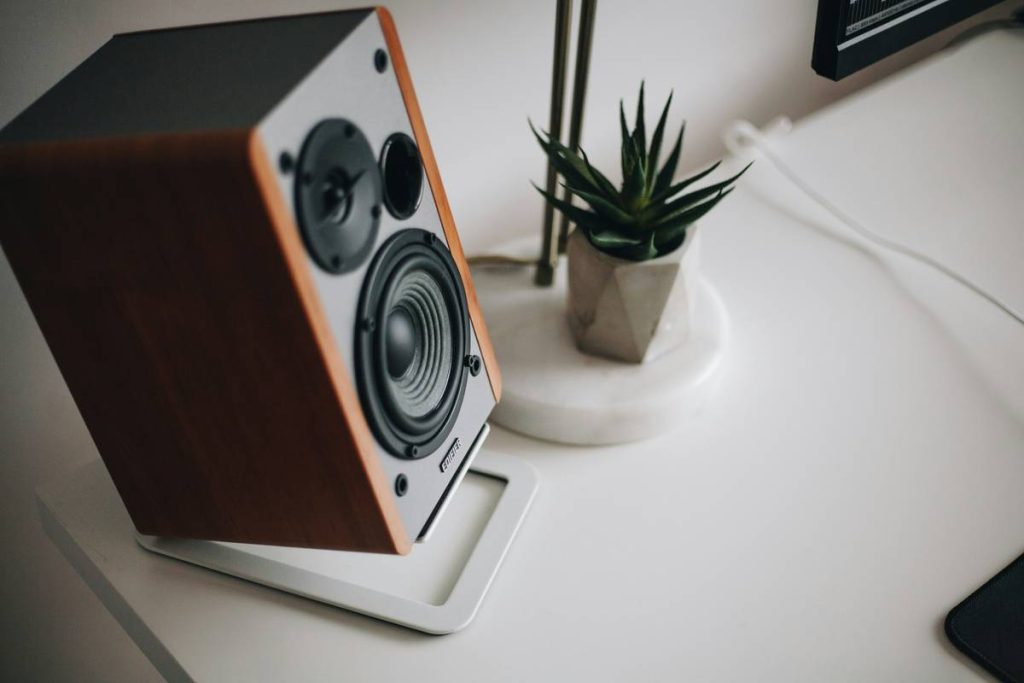
- Mackie CR3-X ($100/pair): Compact, honest sound, RCA + 3.5mm inputs. My go-to recommendation for dorm rooms.
- PreSonus Eris E3.5 ($110/pair): Slightly warmer tone, built-in EQ controls. Great for hip-hop producers.
- Edifier R1280DBs ($140/pair): Bluetooth *plus* optical/coaxial inputs—ideal if you also stream movies. But disable BT when DJing!
One student, Maya, used the CR3-X to win her campus battle. “I could finally hear when my hi-hats were clashing,” she told me. Six months later, she’s opening for regional acts—all because she didn’t waste cash on a “smart” speaker that couldn’t handle a simple crossfade.
FAQs About DJ Speakers for Beginners
Can I use regular computer speakers for DJing?
Only if they have flat frequency response and zero latency. Most don’t. Avoid gaming or multimedia speakers—they hype certain frequencies for “excitement,” not accuracy.
Do I need powered (active) speakers?
Yes! Beginners should **always** choose active speakers (amplifier built-in). Passive speakers require a separate amp—adding cost and complexity you don’t need yet.
Are Bluetooth speakers okay for practicing?
Only if you’re just listening—not mixing. Any wireless connection introduces delay. When cueing tracks, even 50ms throws off timing.
What’s the cheapest decent option?
Mackie CR3-X at ~$100/pair. Used PreSonus Eris E3.5s often pop up for $80 on Reverb. Never go below $60/pair—you’ll regret it.
Do I need a subwoofer?
Not as a beginner. Most small rooms can’t handle subs properly without tuning. Master your main monitors first.
Conclusion
Finding the best DJ speakers for beginners isn’t about chasing trends or buying the flashiest box. It’s about getting accurate, responsive sound that lets you hear exactly what you’re creating—without breaking the bank. Skip the voice-assistant traps. Invest in purpose-built studio monitors with real inputs, honest frequency response, and enough power for your space. Your future sets (and neighbors) will thank you.
And hey—if you’re still tempted by that rainbow-glowing “smart DJ speaker” on Instagram… remember my microwave-mouse incident. Some sounds should never meet.
Like a Tamagotchi, your DJ setup needs daily care—not just flashy toys.
Bass thumps softly,
Cables snake across the floor—
Mix done right this time.