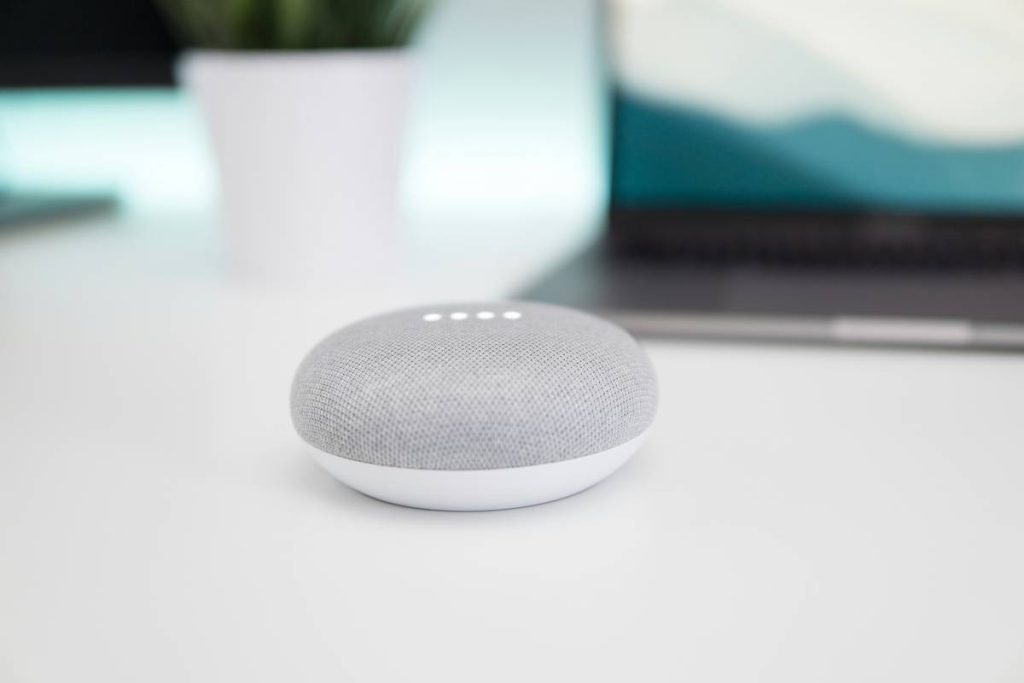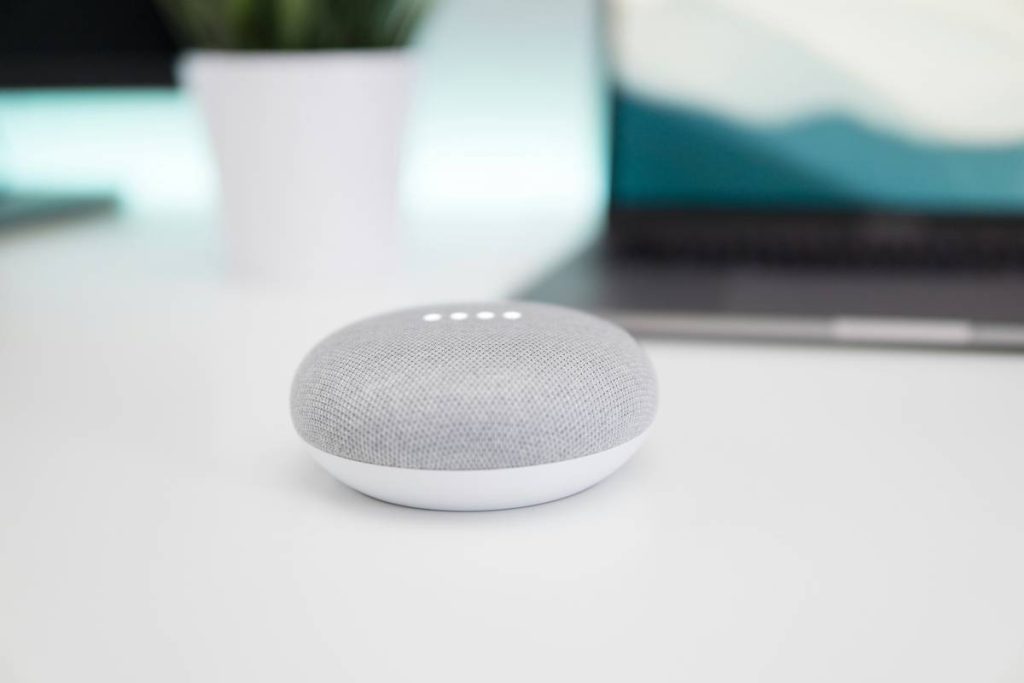
You bought a smart speaker. It sits on your counter, blinking politely. You ask it the weather. Maybe set a timer. And that’s it. But what if it could actually simplify your life—instead of just collecting dust between voice commands? The real power of how to use a smart speaker isn’t in the manual. It’s hidden in how you integrate it into your routines.
Why Most People Fail at Using Their Smart Speaker
They treat it like a novelty gadget—not a command center. Out of the box, setup feels seamless. “Hey Google, play jazz.” Done. But then… nothing changes. No automation. No time saved. Just another screenless device repeating trivia.
And here’s the kicker: manufacturers rarely explain contextual workflows. They demo isolated tricks, not systems. So users plateau at surface-level commands—and never tap into cross-device orchestration or proactive routines.
How to Use a Smart Speaker: A Practical, Step-by-Step Framework
Forget “turn on lights.” Real value emerges when your speaker anticipates needs. Start with these three layers:
Layer 1: Voice Command Mastery (The Foundation)
Go beyond “play music.” Use compound requests: “Turn off the bedroom lights and lock the front door.” Most speakers support chained commands—but you have to speak precisely. Avoid filler words. Say “set thermostat to 68” not “can you maybe lower the heat a bit?”

Layer 2: Routine Automation (The Game Changer)
Create time-based or trigger-based routines. Morning example: At 6:45 AM, speaker announces weather, reads top headlines, starts coffee maker, and adjusts blinds. Evening: “Goodnight” dims lights, arms security system, and sets sleep mode on all devices.
The math is simple: one spoken phrase replaces 7 manual actions. That’s 30+ seconds saved daily—over 3 hours a month.
Layer 3: Ecosystem Integration (The Power Move)
Your speaker shouldn’t live in isolation. Connect it to non-obvious tools: IFTTT for custom applets, calendar APIs for meeting alerts, or even local scripts via Home Assistant. One user I know triggers a garage door alert if they leave home without their work laptop—detected via Bluetooth proximity. Wild? Yes. Useful? Absolutely.
| Routine Type | Setup Time | Daily Time Saved | Complexity Level |
|---|---|---|---|
| Morning Briefing | 8 minutes | 45 seconds | Low |
| Departure Sequence | 12 minutes | 60 seconds | Medium |
| Smart Home Night Mode | 10 minutes | 50 seconds | Low |
| Custom IFTTT Alerts | 20+ minutes | Variable | High |

The Industry Secret: Smart Speakers Are Listening—Even When They’re Not Responding
Here’s what no brand admits: wake-word detection isn’t binary. Devices often capture ambient audio snippets before activation to improve context understanding. Not for spying—but for reducing latency. That’s why some models respond faster after days of use. The trade-off? Privacy-conscious users should disable “voice history” in settings immediately after setup. Go to your assistant app → Privacy → Manage Voice & Audio Activity → Turn off saving. You’ll keep functionality—minus the data trail.
Think about it. You want convenience. Not a permanent ear in your kitchen.
Frequently Asked Questions
Can I use a smart speaker without Wi-Fi?
No. All core functions require internet for cloud processing. Some limited Bluetooth audio playback may work offline—but voice control won’t.
How do I make my smart speaker understand accents better?
Retrain its voice model. In your assistant app, find “Voice Match” or “Recognize your voice” and re-enroll with varied phrases. Speak naturally—at conversational speed, not robotic clarity.
Is it safe to use a smart speaker for banking or passwords?
Avoid it. Never say passwords aloud. For financial tasks, use companion apps instead. Smart speakers aren’t designed for secure credential handling—period.