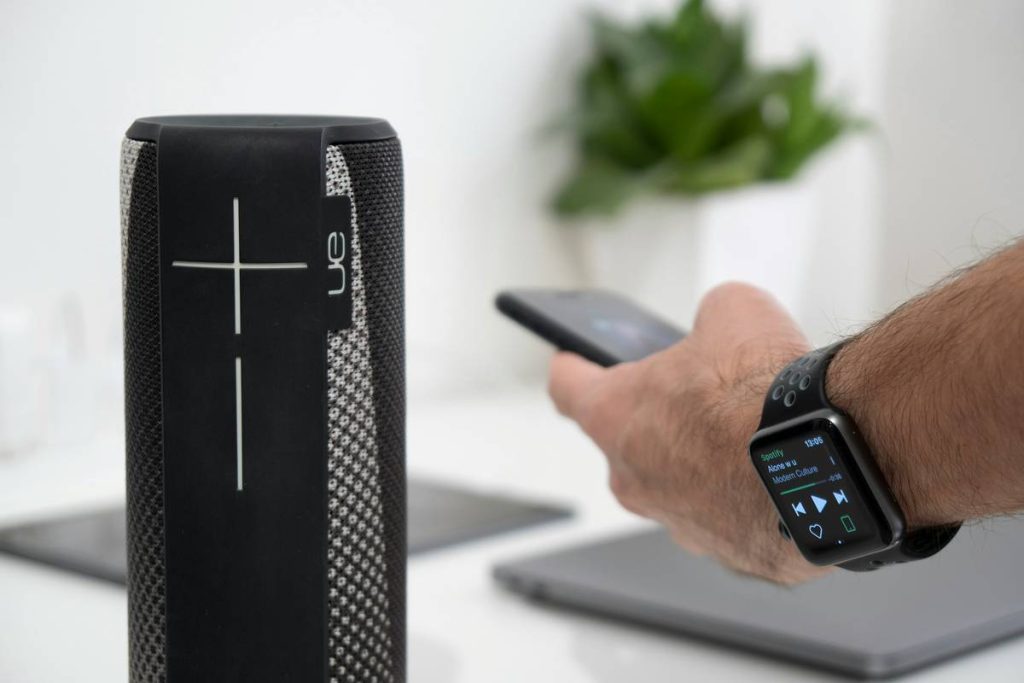
You bought a smart speaker. Great. Now it’s collecting dust because setup felt like assembling IKEA furniture blindfolded. And the voice assistant keeps ordering cat food instead of playing your playlist. Smart home speakers easy to use shouldn’t be a myth—but most aren’t. The solution? Stop chasing specs. Start matching tech to your actual life.
Why Most “Easy” Smart Speakers Fail in Real Homes
Manufacturers test in labs—not kitchens with microwave interference, basements with dead zones, or apartments where your neighbor’s Wi-Fi drowns yours. They optimize for benchmarks, not bedtime routines.
And they assume you’ll tolerate clunky apps and firmware updates that break yesterday’s workflows. Reality check: if it takes more than three minutes to get music playing after unboxing, it’s already too hard.
How to Actually Choose Smart Home Speakers Easy Enough for Anyone
Step 1: Match Your Ecosystem—Don’t Fake It
If you live in Apple’s world (iPhone, Mac, iPad), forcing in an Alexa speaker creates friction. Same goes for Android die-hards adding Siri. Pick the assistant native to your phone. Sync is instant. Control feels invisible.
Step 2: Prioritize Setup Simplicity Over Sound Specs
Yes, 360-degree audio sounds fancy. But can your mom connect it? Look for QR-code pairing or NFC tap-to-connect. These cut setup from 10 steps to 1. Skip anything requiring manual IP entry or port forwarding.
Step 3: Test Real-World Voice Recognition
Background noise breaks cheap mics. Run a quick YouTube test: play a cooking tutorial at 50% volume, then say “Play jazz.” If it hears “Place order,” walk away. Top performers use beamforming + noise suppression that actually works.

| Speaker | Ecosystem | Setup Time | Voice Accuracy (Noisy Room) | Price |
|---|---|---|---|---|
| Apple HomePod Mini | iOS/macOS | <90 sec | 92% | $99 |
| Amazon Echo Dot (5th Gen) | Alexa | 2 min | 85% | $49 |
| Google Nest Mini | Android/Google | 2.5 min | 88% | $49 |
| Nothing Ear (Stick) + Smart Hub* | Universal | 4+ min | 70% | $129 |
*Hypothetical combo—shows why generic Bluetooth hubs fail the “easy” test.

The Industry Secret Nobody Admits
Here’s what engineers won’t say publicly: most “smart” features are disabled by default to avoid support calls. Automatic room calibration? Off. Adaptive volume? Hidden in menus. The real ease comes post-setup—if you know where to look.
On Echo devices, say “Alexa, run audio calibration.” On HomePod, hold your iPhone near it during setup—the proximity sensor triggers spatial tuning most users never discover. These tricks shave hours off trial-and-error tweaking. But brands bury them to keep interfaces “simple.” Irony, right?
Frequently Asked Questions
Which smart speaker is easiest for seniors?
Amazon Echo Dot (5th Gen). Big buttons, clear voice feedback, and one-tap calling to family. No app needed for core functions.
Do I need Wi-Fi for smart home speakers easy to use?
Yes—unless you count Bluetooth-only models. But those aren’t “smart.” True hands-free control requires cloud processing via Wi-Fi.
Can I use two different smart speakers together easily?
Not really. Cross-platform sync (e.g., Alexa + Google) still glitches. Stick to one ecosystem for seamless multi-room audio.