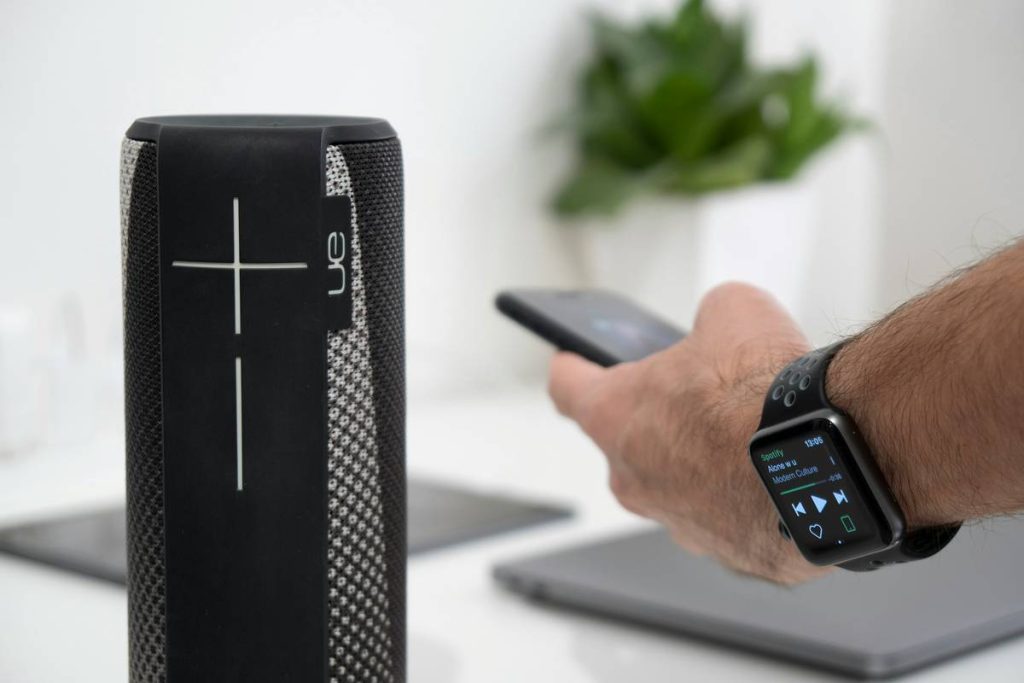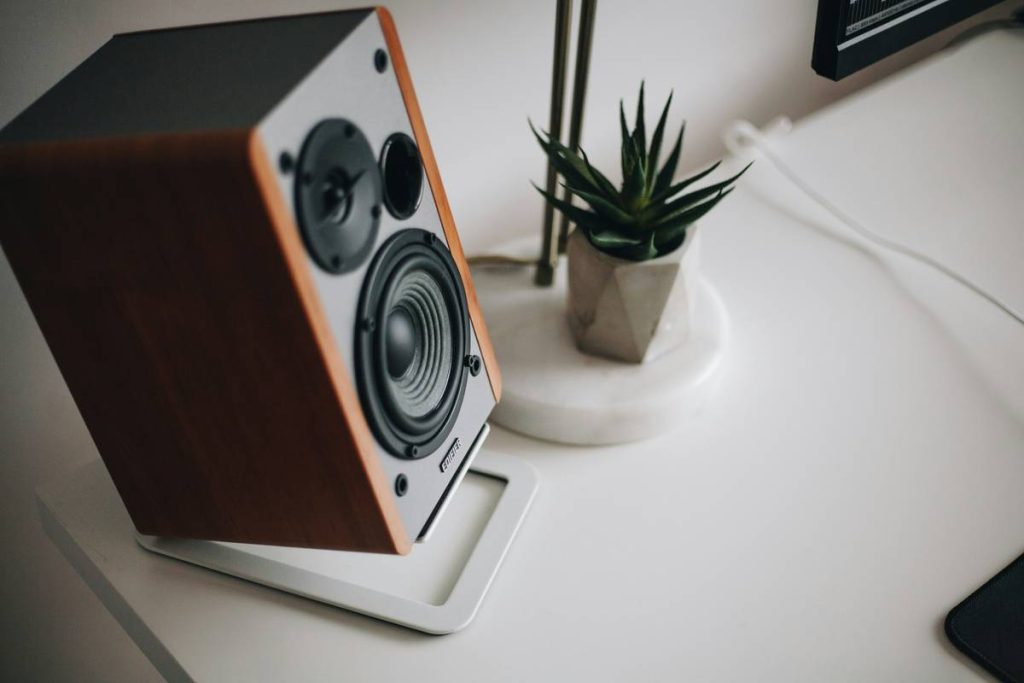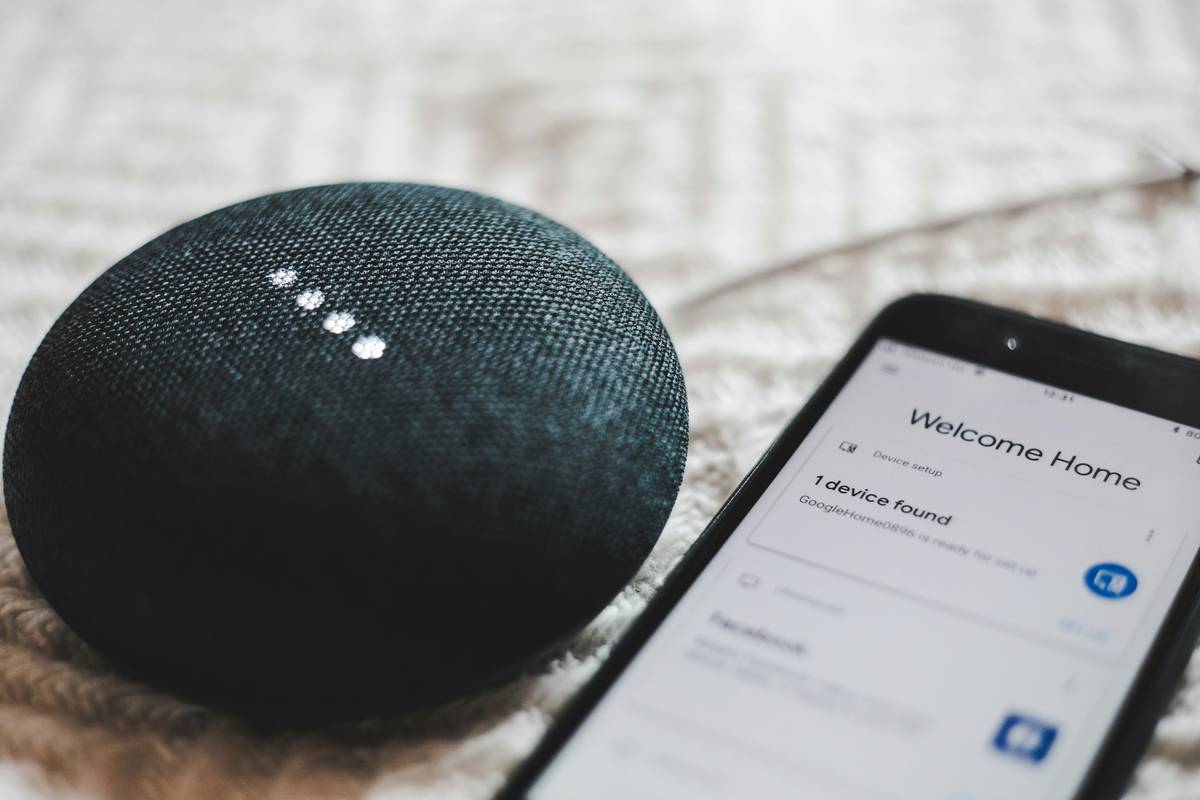
You spent $200 on a “premium” smart speaker. It misunderstands half your commands. Music sounds thin. And it won’t talk to your lights. Sound familiar? The market’s flooded with slick-looking speakers that promise total home control—but deliver frustration. Here’s the fix: forget brand names and glossy ads. Focus on real smart home speakers criteria that determine daily usability, not just spec sheets.
Why Most Smart Speaker Buying Advice Fails You
Review sites obsess over bass response or voice assistant speed. But that misses the point entirely. A speaker isn’t just a soundbox—it’s your home’s nervous system. If it doesn’t play nice with your existing gadgets, it’s dead weight. And compatibility lists? Often outdated by launch day. Manufacturers quietly drop support for third-party devices after firmware updates. You’re left stranded.
Worse—many “smart” speakers are walled gardens. Alexa works best with Amazon stuff. Google prefers Nest. Apple? Forget it unless you’re all-in on HomeKit. So unless your entire ecosystem matches the speaker’s allegiance, performance tanks. Fast.
Smart Home Speakers Criteria: Your Step-by-Step Selection Framework
Here’s how to choose without buyer’s remorse:
Ecosystem Alignment Over Raw Specs
Start backward. List every smart device in your home—lights, thermostat, locks. Now check which voice platforms they officially support. That’s your shortlist. No amount of wattage fixes a speaker that can’t dim your bedroom lights. Period.
Microphone Real-World Performance
Lab tests lie. Real life has background noise—TVs, kids, vacuum cleaners. Look for models with at least 4 mics and proven noise-cancellation algorithms. Try before you buy if possible. Or stick with brands known for far-field pickup (hint: it’s not always the cheapest).
Audio Fidelity vs. Ambient Use
Honest truth: if you just want weather updates and timers, sound quality matters less. But if music is 50%+ of usage, skip the plastic cylinders. Seek out speakers with dedicated tweeters and passive radiators—even in compact form factors.
Privacy Controls That Aren’t Theater
Some brands let you disable mics physically. Others bury settings five menus deep. Worse—they keep cloud recordings by default. Demand clear local processing options and easy data deletion. Your living room isn’t a data farm.
| Speaker Model | Best For | True Ecosystem Support | Audio Quality (Music) | Privacy Features |
|---|---|---|---|---|
| Amazon Echo Studio | Alexa-heavy homes | ✅ Wide 3rd-party + Matter | ⭐⭐⭐⭐☆ (Excellent spatial audio) | Mic off button, auto-delete option |
| Google Nest Audio | Google/Nest users | ✅ Good + growing Matter support | ⭐⭐⭐☆☆ (Balanced but lacks depth) | Activity controls, mic switch |
| Apple HomePod Mini | iPhone + HomeKit loyalists | ⚠️ Limited to Apple/HomeKit | ⭐⭐☆☆⭐ (Surprisingly loud, thin lows) | On-device processing, no cloud storage by default |
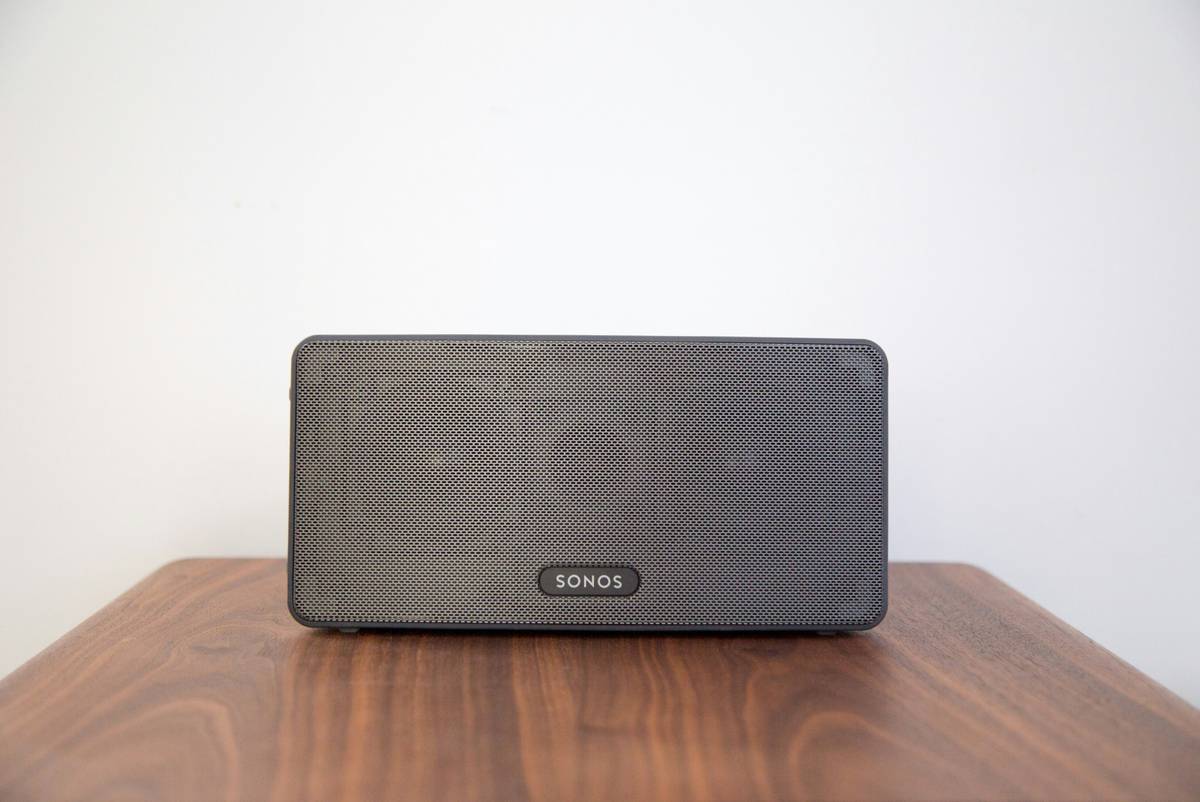
| Sonos Era 100 | Audiophiles needing smarts | ✅ Alexa/Google + AirPlay 2 | ⭐⭐⭐⭐⭐ (Rich, room-filling sound) | Physical mute, optional voice service |
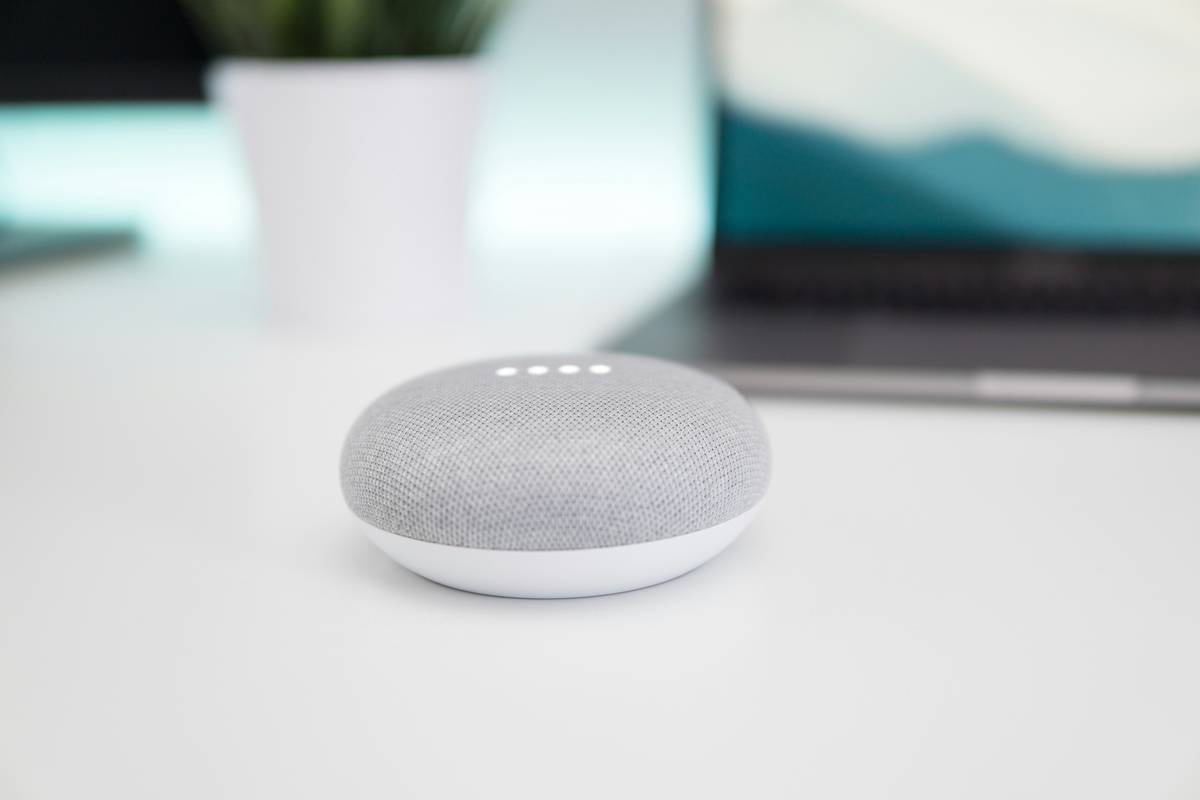
The Industry Secret: Firmware Decay Is Real—and Silent
Here’s what retailers won’t tell you: smart speakers degrade over time—not physically, but functionally. Companies deprioritize older models in software updates. Voice recognition slows. New integrations skip them entirely. One major brand cut support for 3-year-old units overnight during a “security overhaul.” Poof—your speaker became dumber.
The workaround? Favor brands with public update roadmaps or those built on open standards like Matter. Sonos and newer Echo devices lead here. Avoid obscure brands with no track record—they vanish, leaving you with expensive paperweights.
Frequently Asked Questions
What’s the most important smart home speakers criteria?
Ecosystem compatibility. A speaker that can’t control your actual devices is just a Bluetooth box with delusions of grandeur.
Do I need multiple smart speakers for whole-home coverage?
Not necessarily. Start with one in your main living area. Add more only if you need multi-room audio or distant voice control—like in large kitchens or basements.
Can smart speakers work without Wi-Fi?
No. They require constant internet for voice processing and smart functions. Offline, they’re just regular speakers—if that.